Cycling DealsCycling Deals
Best Turbo Trainer UK 2026: Smart vs Wheel-On Compared

Best Turbo Trainer UK 2026: Smart vs Wheel-On Compared

10 July 2026 · James Tarrent

Quick answer: best turbo trainer right now for UK indoor cycling (by priority)

Before getting into the detail, here are the four decisions most UK buyers face right now:

PriorityBest pickWhy
Best overall (Zwift + accuracy)Wahoo KICKR Core 2Direct drive, ~±2% accuracy, 65dB, full Zwift Cog & Click ecosystem
Best quiet (apartment-friendly)Wahoo KICKR Core 2 / Elite Direto XRDirect drive eliminates tyre noise; ±1.5% accuracy on the Direto XR
Best value direct driveTacx Flux 2 (discounted)<2.5% claimed accuracy, wide cassette support, often heavily reduced
Best wheel-on (if you must)Wahoo KICKR SnapSimplest setup, Zwift-compatible, no cassette swap needed

Cyclist's July 2026 round-up confirms the KICKR Core 2 as the "best overall" choice for most indoor riders. That position is well-earned, but the right trainer for you depends on three things: how much noise matters, how seriously you take power data, and whether your bike cassette situation makes direct drive straightforward.

Smart (direct-drive) vs wheel-on: what changes in real life

A direct-drive trainer replaces your rear wheel entirely. You remove the wheel, attach the bike directly to the trainer's axle, and mount a cassette (or Zwift Cog) onto the trainer's freehub. A wheel-on trainer is simpler: the rear wheel stays on, and a roller presses against the tyre.

That mechanical difference cascades through everything else.

With direct drive, power goes straight from the drivetrain into the trainer's resistance unit. There's no tyre contact, no rubber deformation, no roller slip. The result is quieter operation and fewer measurement variables. Wheel-on trainers introduce tyre pressure, tyre condition, roller contact force, and roller surface into the accuracy equation. As Zwift's own forum guidance notes, these variables interact constantly, which is why wheel-on units typically produce less consistent power readings than direct-drive alternatives.

Who should buy which:

  • Direct drive: anyone training with Zwift, TrainerRoad, or structured workouts who wants reliable power data; anyone in a flat or terrace house with noise sensitivity; anyone training more than three days per week.
  • Wheel-on: riders on a strict budget (under £250 new), those who travel with the trainer and prioritise folded size, or anyone doing occasional steady-state sessions where power precision is not a concern.

Power accuracy: what to look for and what accuracy you can realistically expect

"Claimed accuracy" is the spec on the box. "Measured accuracy" is what independent reviewers like DC Rainmaker record when comparing trainer output against a calibrated external power meter across a range of efforts.

These two numbers are rarely identical.

Direct-drive trainers from reputable brands typically land between ±1.5% and ±2.5% in real-world testing. The Elite Direto XR uses an integrated optical torque sensor and quotes ±1.5% accuracy (Cyclist, July 2026). The Tacx Flux 2 claims <2.5%. Wahoo doesn't publish a specific figure for the KICKR Core 2, but BikeRadar's 2026 testing places it within the ±2% range. Wheel-on trainers tend to sit at ±3-5% on a good day, worse when tyre pressure drifts or the roller isn't locked correctly.

ERG mode (where the trainer auto-adjusts resistance to hold a target wattage) does not guarantee accuracy. As DC Rainmaker has documented, ERG smoothing and the gearing you select can obscure measurement problems. The trainer can appear to be doing the right wattage while the underlying signal is noisy or offset.

Accuracy checklist before every session:

  1. Run a calibration/spindown after 10 minutes of warm-up riding (tyre and resistance unit need to reach operating temperature).
  2. For wheel-on: check tyre pressure against your target pressure before each session (cold pressure, consistent value every time).
  3. Keep firmware updated. Both Wahoo and Elite have issued accuracy-improving firmware updates post-launch.
  4. If you're doing race-qualifying efforts or comparing data across sessions, validate against a power meter at least once per training block.

Noise: how loud will it be (and how to reduce it)

Direct-drive trainers produce noise from the flywheel, belt/chain drive, and freehub. Wheel-on trainers add tyre-on-roller friction, which at any meaningful wattage generates a distinctive high-pitched whir that carries through walls and floors.

BikeRadar's 2026 testing recorded the Wahoo KICKR Core 2 at approximately 65dB during normal use. For context, 65dB is roughly the level of a normal conversation. A wheel-on trainer on a hard floor at 200W can hit 70-75dB, with the frequency profile being particularly intrusive. The absolute dB number matters less than the structural vibration transmitted through the floor.

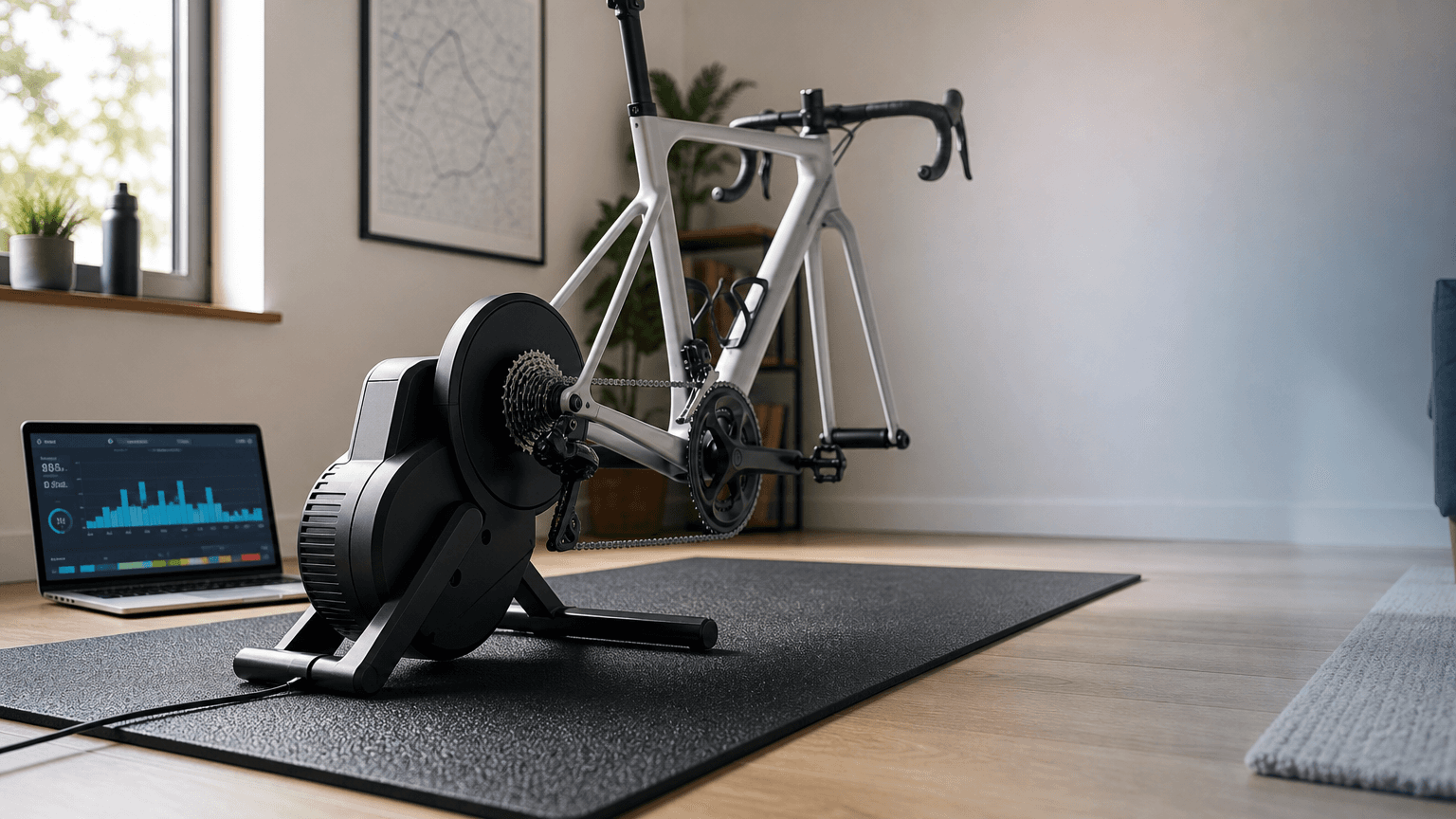
That vibration is the real concern for anyone in a UK flat or terrace. Halfords' buyer guide specifically recommends a mat underneath any trainer to reduce vibrations on wooden floors, and that advice holds for direct drive too.

Practical noise reduction steps that work:

  • Use a purpose-made trainer mat (minimum 6mm, EVA or rubber). This is non-negotiable on wooden floors.
  • For wheel-on: switch to a dedicated trainer tyre. Continental's Hometrainer and Tacx's trainer tyre are both harder compound, run quieter, and last far longer than a road tyre on a roller.
  • Position the trainer away from external walls and on the thickest part of the floor, usually over a joist or in the corner of the room.
  • Direct-drive trainers on a concrete or tiled floor with a mat are genuinely quiet enough for early-morning sessions in most UK flats. Wheel-on on the same setup will always be louder.

For downstairs neighbours, the challenge isn't dB, it's low-frequency vibration through the floor structure. A mat helps, but some riders on upper floors add a second layer of anti-vibration matting (the kind used under washing machines). It's not elegant, but it works.

Zwift compatibility: what Zwift needs and how to choose the right trainer

Zwift can work with any smart trainer in two modes: controllable resistance (where Zwift adjusts your trainer's resistance to match the virtual gradient or a workout target) or power-only (where Zwift reads your watts but can't control the trainer).

For the full experience, including ERG workouts and gradient simulation, you need a trainer Zwift can control. Every current smart trainer from Wahoo, Elite, Tacx, and Saris supports this over both Bluetooth and ANT+. Bluetooth is simpler for most setups (your laptop, phone, or Apple TV pairs directly). ANT+ gives you more stable connections if you're running multiple devices and have an ANT+ dongle.

Zwift Ready trainers and Zwift Cog & Click:

Zwift's own certified trainer programme identifies trainers as "Zwift Ready" when they ship with the Zwift Cog (a single-sprocket freehub attachment) and Zwift Click (a handlebar-mounted steering and braking input). Zwift notes these are compatible with 8-13 speed bikes and allow a simplified setup because the Cog replaces the need for a separate cassette on the trainer.

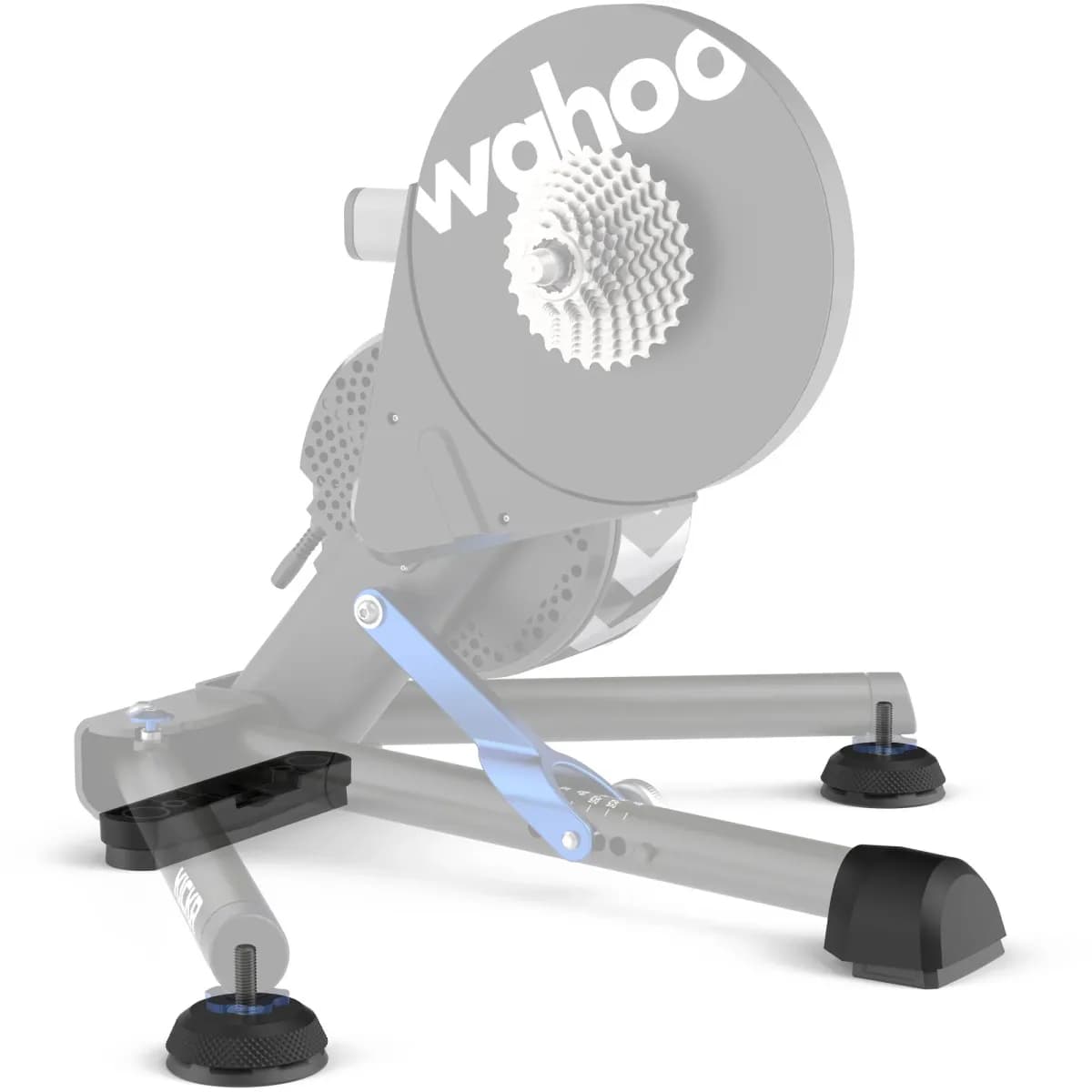
The Wahoo KICKR Core 2 with Zwift Cog and Click is the flagship example. The Cog fits the KICKR's freehub directly, saves the cost of a separate cassette (typically £25-80 depending on spec), and the single sprocket design means no indexing adjustment. If you already have a 10, 11, or 12-speed cassette and a spare cassette removal tool, you can fit a standard cassette to most direct-drive trainers yourself instead.

Compatibility checklist before buying:

  • Axle: check whether your bike uses quick-release (QR), thru-axle 12x142mm, 12x148mm (Boost), or 12x135mm. Most current trainers include multiple adapters; older wheel-on trainers often only support QR without additional purchase.
  • Freehub: most trainers ship with Shimano/SRAM 8-11 speed. If you run 12-speed SRAM Eagle or Campagnolo, verify freehub availability before buying.
  • Connectivity: pair the trainer in Zwift first before any other app. Bluetooth allows only one active connection at a time; if your Garmin is already connected, Zwift may not be able to pair.

Trainer comparison: specs you can actually use

TrainerTypeMax wattsClaimed accuracyNoiseZwift Cog/ClickConnectivityBest for
Wahoo KICKR Core 2Direct drive1,800W~±2%65dBYes (bundle)BT + ANT+Best overall / Zwift racing
Elite Direto XRDirect drive2,300W±1.5%Not publishedNo (cassette incl.)BT + ANT+Accuracy-focused training
Tacx Flux 2Direct drive2,000W<2.5% (claimed)Not publishedNoBT + ANT+Best value direct drive
Saris H3Direct drive2,000W±2%Not publishedNoBT + ANT+Quiet, solid mid-range
Wahoo KICKR SnapWheel-on1,500W~±3%HigherNoBT + ANT+Budget / travel use

The Zwift Cog column matters if you plan to use the trainer straight out of the box without owning a spare cassette. If you already have a cassette from a previous trainer or a retired wheel, that column becomes less relevant.

Best picks worth buying in the UK when discounted

Wahoo KICKR Core 2

The KICKR Core 2 is the trainer most UK Zwift riders should buy when it appears at a meaningful discount. At full retail (£499.99), it's competitive but not a steal. At 15-20% off, it becomes the obvious choice. The KICKR Core 2 at Wheelbase is currently showing £399.99, a £100 saving. The bundle version with Zwift Cog and Click also appears regularly discounted.

Why it's discounted: Wahoo runs seasonal campaigns (typically October-January and May-June) and occasionally clears KICKR Core 2 stock when newer KICKR flagship models ship. The Core 2 isn't old tech; it's Wahoo's intentional mid-tier.

Wahoo KICKR with WiFi

The Wahoo KICKR with WiFi is the full flagship. WiFi connectivity means firmware updates and app pairing without Bluetooth dropouts. At full price it's a luxury; at 18-20% off it's justifiable for serious training. Better flywheel feel than the Core 2, and Wahoo's accuracy track record across KICKR generations is consistent.

Elite Direto XR

The best pick if power accuracy is your primary concern. The optical torque sensor at ±1.5% (Cyclist, July 2026) is among the most precise specs in this price band. Worth watching for end-of-season discounts from UK retailers. The Direto XR doesn't include Zwift Cog or Click, so factor in the cassette cost separately.

Tacx Flux 2

The Tacx Flux 2 is the value direct-drive option to watch on discount. Claimed accuracy of <2.5%, 2,000W maximum output, and 16% gradient simulation cover everything most UK cyclists need. When it drops below £350, it's hard to argue against for a first direct-drive setup.

Saris H3 with MP1 platform

The Saris H3 with MP1 motion platform is currently showing nearly 56% off at Leisurelakesbikes. The H3 alone is a capable, quiet direct-drive trainer at ±2% accuracy. The MP1 platform adds lateral rocking motion, which reduces saddle discomfort on long Zwift sessions. At £749 for the bundle versus £1,699.99 RRP, this is the most aggressive smart trainer deal on the market right now.

Wahoo KICKR Snap (wheel-on)

The Snap is the best wheel-on trainer UK buyers should consider, and only when the price difference over a discounted Tacx Flux 2 is substantial (£100+). Zwift-compatible, Bluetooth and ANT+ connectivity, and Wahoo's build quality make it a reliable choice. Expect ±3% accuracy under consistent conditions. Always buy a dedicated trainer tyre alongside it.

Which brands are worth it in 2026

Wahoo has the strongest Zwift ecosystem integration and the most consistent firmware support. The KICKR family has been Zwift-compatible across multiple generations without forced obsolescence. Spare parts (freehub bodies, power supplies, axle adapters) are available from UK retailers. The main watch-out: Wahoo's Bluetooth implementation occasionally conflicts with older Zwift devices; pairing order matters.

Elite scores highest on published accuracy specs. The optical torque sensor in the Direto XR is a genuinely differentiated hardware choice, not a marketing claim. Elite's app (My E-Training) is functional but less polished than Wahoo's or Zwift's native pairing. Firmware updates have historically been issued promptly when accuracy issues are reported.

Tacx (now Garmin) offers broad cassette and axle compatibility and consistently solid build quality. The Garmin acquisition has meant slower new product cadence but better long-term firmware commitment. The Flux 2 remains a strong value option on discount.

Saris is less common in UK retail but the H3's magnetic resistance design is genuinely quiet. When the H3 appears at steep discounts (as it does currently), it's worth strong consideration for apartment use.

Common pitfalls to avoid:

  • Buying a trainer and assuming your 12-speed cassette fits without checking freehub body compatibility.
  • Expecting wheel-on accuracy to match direct drive; it won't, even with perfect calibration.
  • Ignoring axle adapter requirements on thru-axle bikes. Many trainers include QR by default; the thru-axle adapter is sometimes sold separately.
  • Pairing the trainer to a Garmin computer before opening Zwift, then wondering why Zwift can't connect.

Setup and compatibility checklist for UK buyers

Direct-drive setup

  1. Remove the rear wheel and store it safely.
  2. Check your bike's axle type (QR or thru-axle size) and fit the correct adapter to the trainer.
  3. Fit the cassette or Zwift Cog using a chain whip and cassette lockring tool. Torque the lockring to 40Nm.
  4. Shift to the middle cassette sprocket before connecting the chain.
  5. Run a firmware update via the manufacturer's app before your first ride.
  6. Complete a spindown calibration after a 10-minute warm-up. Repeat this after each firmware update.

Wheel-on setup

  1. Fit a dedicated trainer tyre before first use. Run it at the pressure printed on the tyre's sidewall (usually 100-110psi for trainer tyres).
  2. Lock the trainer's roller against the tyre using the adjustment knob (typically 2-3 turns past first contact).
  3. After fitting, record the exact tyre pressure; use the same value every session.
  4. Run a spindown calibration after 10 minutes of warming up at 15-20mph equivalent.

Universal steps for every session

  • Place the trainer on a purpose-made mat, especially on wooden floors.
  • Pair Zwift (or your training app) before pairing any bike computer or smartwatch. Bluetooth allows only one active connection.
  • Check for firmware updates monthly, not just at first setup.
  • If power readings feel inconsistent, run a new spindown before assuming hardware fault.

FAQ

Are direct-drive trainers quieter than wheel-on?

Yes, meaningfully so. Direct-drive trainers eliminate tyre-on-roller friction, which is the main noise source on wheel-on units. The KICKR Core 2 measures around 65dB in testing. A wheel-on trainer at equivalent effort typically registers 70-75dB, with a higher-frequency pitch that carries further through walls.

How accurate are turbo trainers compared with a power meter?

Quality direct-drive trainers (Elite Direto XR, Wahoo KICKR range, Tacx Flux 2) typically land within ±1.5-2.5% of a calibrated power meter. Wheel-on trainers under consistent conditions land within ±3-5%, but tyre pressure variation and roller wear widen that range over time. As DC Rainmaker has noted, ERG smoothing in training apps can disguise accuracy problems; always validate with a standalone power meter if precision matters.

Do I need Zwift Cog and Click for Zwift?

No. Any Zwift-compatible smart trainer works with Zwift for controllable resistance and power reading. Zwift Cog and Click are Zwift's own hardware add-ons that simplify setup (single-sprocket cassette, no indexing required) and add in-game steering via the Click unit. They're useful but optional.

Will Zwift control resistance on any smart trainer?

Zwift will control resistance on any trainer that supports the FE-C (ANT+) or FTMS (Bluetooth) protocols. All current smart trainers from Wahoo, Elite, Tacx, Saris, and JetBlack support at least one of these. Older "dumb" trainers with no electronics won't respond to resistance changes regardless of app.

What's the best turbo trainer for apartments?

A direct-drive trainer on a trainer mat. The Wahoo KICKR Core 2, Elite Direto XR, or Saris H3 all produce flywheel noise that stays below normal conversation level. The mat is not optional: even at 65dB, structural vibration through a wooden floor will transmit to the flat below without one.

Do wheel-on trainers wear out road tyres?

Yes. The roller contact point generates heat and abrasion that degrades a road tyre rapidly (typically 5-10 hours of hard riding before noticeable wear). A dedicated trainer tyre (Continental Hometrainer, Tacx trainer tyre) uses a harder, heat-resistant compound, runs quieter, and will outlast a road tyre by 10-20x in trainer use.

How to spot a real turbo trainer discount (and where to look)

Not all trainer discounts represent genuine savings. Retailers sometimes inflate the "original price" on products that have never sold at full RRP. A real discount has three characteristics: the sale price is below the product's typical online retail price (not a one-off inflated figure), it includes meaningful accessories where relevant (Zwift Cog bundle pricing is often better value than buying separately), and the retailer attribution is clear so you know exactly where you're buying from.

Cycling Deals UK hand-checks every indoor training deal in the feed before it goes live, displaying the sale price, the original price, and the percentage saving clearly on each listing. Every deal links directly to the retailer product page with attribution, so you can confirm stock and final pricing before committing. The Saris H3 bundle currently showing 56% off at Leisurelakesbikes and the KICKR Core 2 at 20% off from Wheelbase and Wahoofitness are both live examples of deals that clear that threshold.

Browse current hand-checked indoor training accessories deals including smart trainers, and check the full live deals feed for anything that's dropped since this guide was last updated.