 -35%
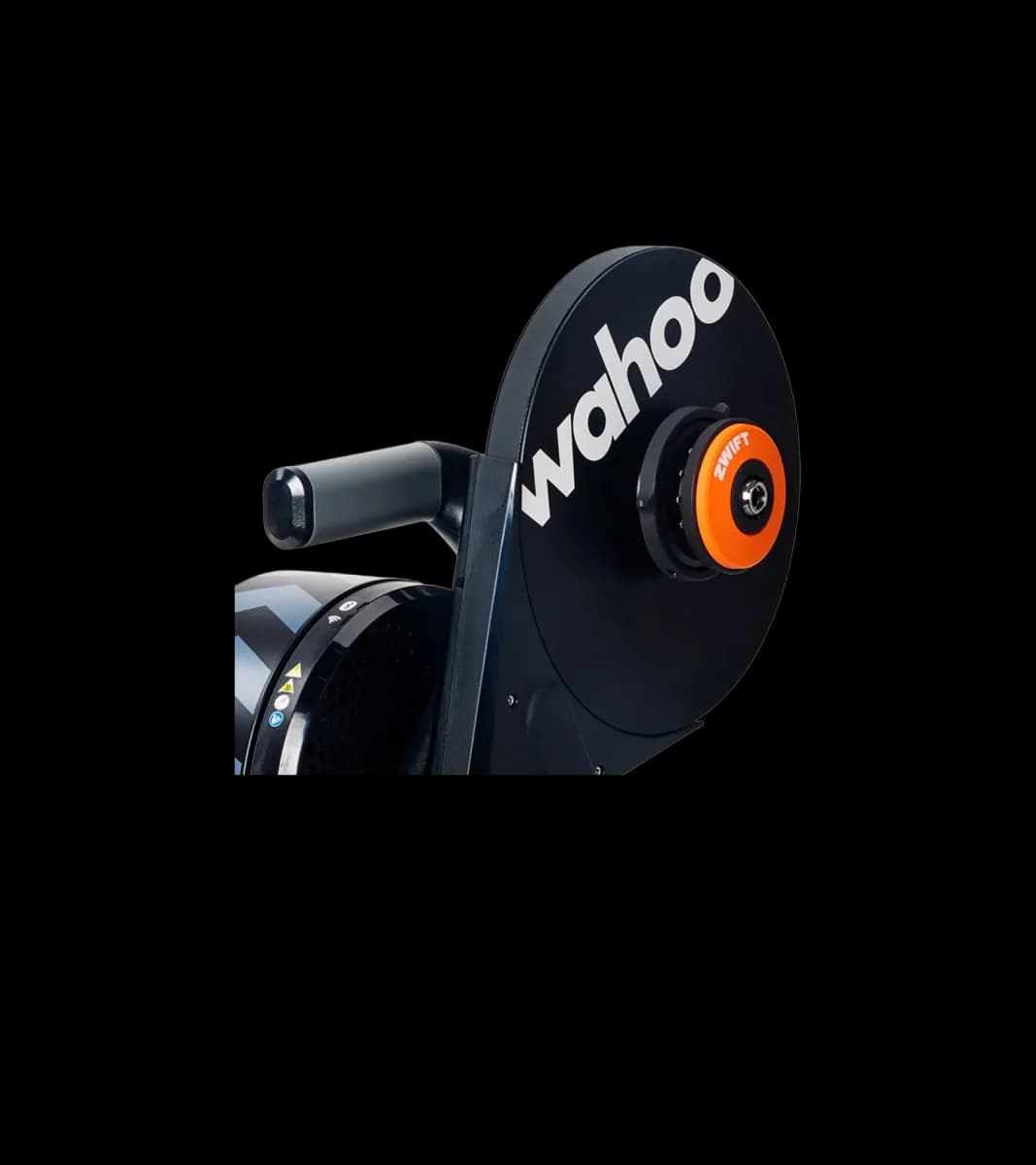
Wahoo Kickr Move Turbo Trainer with Zwift Cog and Click
Sigma Sports
£749.00£1149.99
Buy at Sigma Sports(opens in a new window)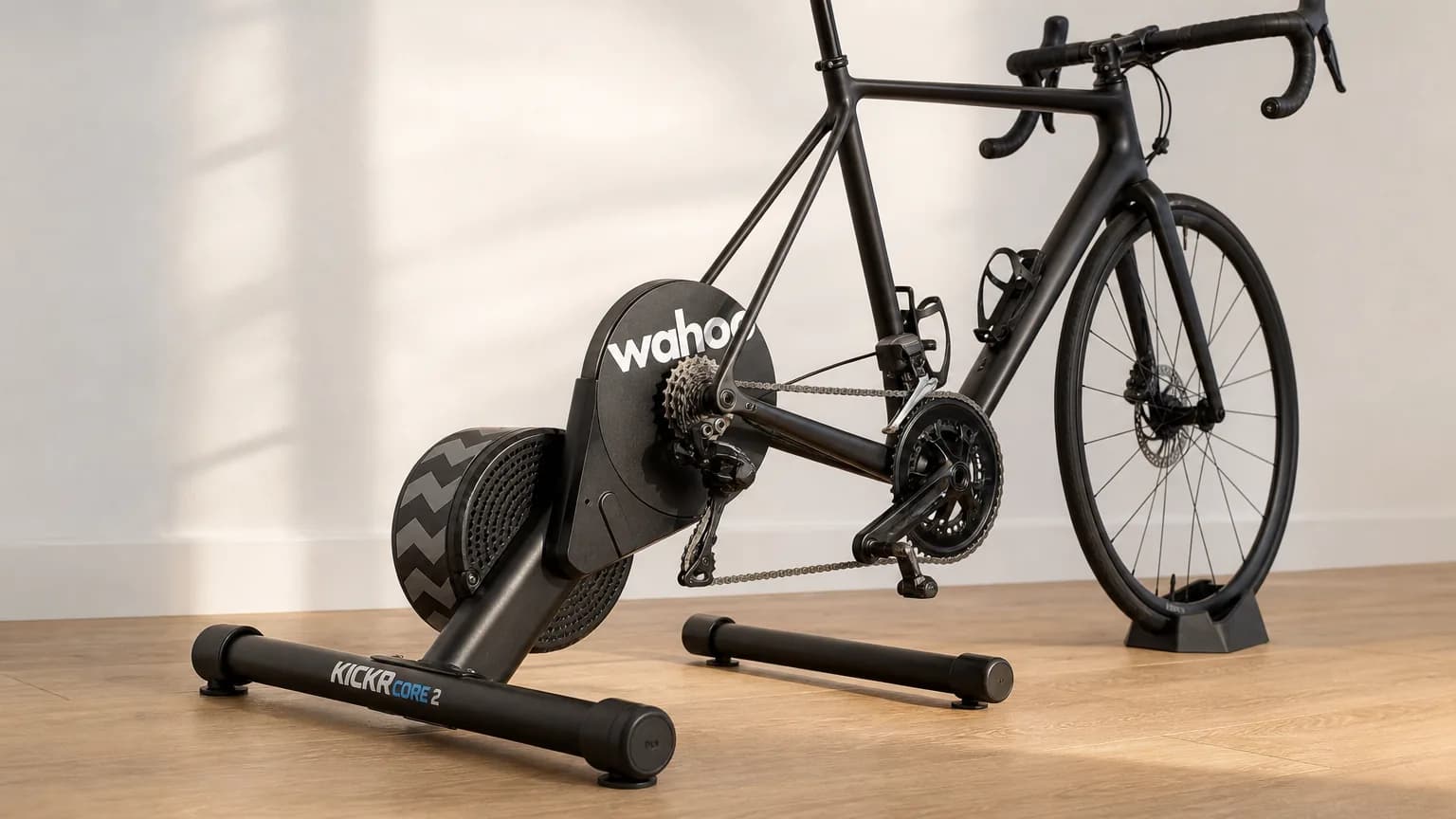
10 October 2026 · Laura Mcmahon
Black Friday is a good time to buy a Wahoo, but only if you buy the right one. A discount on a trainer that's wrong for your bike, or a computer with a screen you'll hate, costs more than waiting ever would. Black Friday 2026 lands on Friday 27 November, so there's time to settle on a model before the offers start.
This guide covers the four products most UK riders end up weighing up: the KICKR CORE 2, the full-fat KICKR, the ELEMNT Bolt and the ELEMNT Roam. Each section ends with a plain "buy if" rule. We also look at the Wahoo versus Garmin question, what the 2025 sale period looked like (clearly labelled as past), and the noise, cassette and Zwift Cog checks that catch people out.
One note on prices: we don't quote 2026 Black Friday prices here because they don't exist yet. Before you decide, check the Black Friday turbo trainer deals page for current smart-trainer pricing. Our Wahoo deals page tracks reduced Wahoo products from UK retailers.
The name is what you are buying. The line is what to check. The link is the live page.
Around 24 November
Offers start
Many shops open the window in the days before Black Friday itself.
Friday 27 November
Black Friday
A trainer you need in October may not be worth waiting for.
Monday 30 November
Cyber Monday
Some stock is replenished and some promotions are refreshed.
-35%Sigma Sports
 -30%
 -30%
Evans Cycles
Start with what you'll use most. If winter means indoor riding three or four times a week, the trainer is the purchase that changes your routine. If you ride outdoors year-round and mostly want better navigation, the computer matters more. Buying both in one sale is great, but most riders have one clear priority.
A rough rule: rides that happen on a turbo justify the trainer first. Rides that happen on roads and trails justify the computer first.
For most riders the CORE 2 is enough. The full KICKR is for people who care about the last few percent of accuracy and top-end specification.
Zwift's product page for the KICKR CORE 2 lists power accuracy of +/- 2%, a maximum power output of 1800W, a maximum simulated grade of 16% and a 5.4 kg flywheel. Wahoo's UK page for the full KICKR describes resistance "accurate to within +/- 1%" and refers to Max Grade Simulation. Check the figure on the product page when you compare, because the grade ceiling is where the two models differ in practice.
BikeRadar's first look at the CORE 2 (9 September 2025) said the physical specs are "practically identical" to the original CORE and referenced the same 5.4 kg flywheel. That matters for a buying decision: the CORE 2 is a refresh of a well-liked mid-range trainer, not a new class of machine.
A 16% simulated grade covers almost everything Zwift and similar apps throw at you. Very few virtual climbs go beyond it for long, and a trainer's grade limit only bites when you're riding the steepest sections. For a rider doing structured intervals, group rides and the odd race, 2% accuracy is unlikely to change how you train. Trainers don't need to be perfect. They need to be consistent from session to session so you can compare your own numbers.
The full KICKR starts to make sense when you:
Riders often ask whether the CORE 2 has Wi-Fi and a 10Hz Race Mode. Check the spec sheet for the exact model you're buying, and ask yourself whether it matters. Most people connect a trainer to Zwift over Bluetooth. Faster data and Wi-Fi are mainly relevant if you race online and want the quickest response, or if your Bluetooth connection is unreliable in your pain cave.
The CORE 2 appears in several UK listings. Our KICKR CORE 2 deal listing shows retailer pricing and history, which helps you judge whether a Black Friday price is actually good.
The Bolt is the compact, lightweight option for everyday road riding. The Roam suits riders who want a bigger screen for maps, gravel exploration and unfamiliar routes.
BikeRadar published a direct comparison of the V3 generation ("Wahoo Elemnt Bolt V3 vs Elemnt Roam V3", 12 June 2025), which is worth reading alongside this section. Wahoo changed screen details and features between generations, so confirm the exact figures for screen size and battery life on the current spec pages instead of relying on older reviews. The overall split has stayed the same: Bolt is small, Roam is larger.
The ELEMNT Bolt sits neatly on a stem mount and doesn't dominate a handlebar. If you mostly follow familiar routes, rely on data fields like power, heart rate and speed, and use navigation occasionally, a small screen is fine. It's also less visually intrusive on a race bike. The ELEMNT Bolt 3 listing on Cycling Deals UK shows retailer offers and price history.
The ELEMNT Roam's larger screen makes turn-by-turn navigation and map reading far easier. That matters on UK gravel and mixed-surface rides, where junctions come quickly and a missed turn means a muddy detour. If you regularly load routes from planners, ride in poor light or wear gloves in winter, a bigger display is easier to read at a glance.
A bike computer and a smart trainer do different jobs. The ELEMNT records and displays your outdoor rides, and it can pair with sensors. The trainer is controlled by an app such as Zwift. Don't buy a Bolt or Roam expecting it to control a Zwift Ride setup. If you're looking at the Zwift Ride route, look at the Zwift Ride bundle with KICKR CORE 2 as a separate purchase decision from a head unit.
Choose the ecosystem you'll actually use every week, not the one with the longer spec sheet.
Wahoo's appeal is simplicity. Setup runs through the ELEMNT companion app on your phone, the interface is clean, and the trainer-and-computer pairing sits neatly in one brand. If you want a trainer and a computer that feel related and you don't want to fiddle, that has real value.
Garmin's appeal is breadth. Many cyclists already wear a Garmin watch or use Garmin Connect for training history, and a Garmin computer slots straight into that. If you already have a Garmin ecosystem, a computer from the same brand keeps your data in one place.
A neutral way to decide:
Check the compatibility of your power meter and heart rate strap before buying either brand. Both support standard ANT+ and Bluetooth sensors, but app and workflow details differ. We cover this in more depth in our guide to the best bike computers for the money.
Everything in this section describes 2025. It isn't a prediction for 2026.
In 2025, Wahoo deals were covered widely. Polarized.cc's "Wahoo Black Friday 2025: No-BS Guide to the Best Deals" (24 November 2025) pointed to discounts of around 20% on ELEMNT computers. Road.cc ran a "DealClincher x Wahoo Black Friday takeover" (28 November 2025) that included KICKR CORE 2 and other Wahoo products. Cyclingnews followed with its Cyber Monday Wahoo deals roundup (1 December 2025), which included the KICKR CORE 2. BikeRadar also published a "Wahoo Black Friday deals" page, but it's formatted as an advertising feature, so treat it as a list of offers rather than independent advice.
The broad pattern was that the headline discounts landed on the mid-range trainer and the ELEMNT computers, with offers spread across Wahoo's own store and retailers. Dates and stock varied by retailer, so a deal could appear before the weekend or vanish quickly.
What to take from this: set your shortlist now, note the normal price of each model, and use a price history to check whether a "Black Friday" price is a real saving. Our product pages for the Cog and Click bundle show price history alongside the retailer offer.
Most smart-trainer regrets come from compatibility, not performance.
BikeRadar's review of the KICKR V6 (11 November 2022) measured noise averaging around 61 decibels, rising to just over 65 decibels. That's a measurement of a different model, but it gives a sense of the range for direct-drive trainers. The trainer itself is rarely the loudest thing in the room. Your drivetrain usually is.
Wahoo's support article "KICKR noise or vibration" points to frame compatibility, drivetrain compatibility and setup or adapter issues as common causes. A worn chain, a poorly indexed cassette or a mismatched axle adapter creates more noise than the trainer's flywheel. If you live in a flat or share walls, buy a trainer mat, check your drivetrain, and don't assume a quieter trainer exists.
The CORE 2 is sold in two main bundle types: with a Zwift Cog and Click, and with an 11-speed cassette. They solve different problems.
The deciding questions: will this trainer live with one bike or two? Do you use Zwift or another app? Do you want real shifting? If you share a trainer between two bikes, a Cog setup needs the Click moved or duplicated, while a cassette stays put.
If you want the Cog route, look at the Zwift Cog and Click bundle. Compare it with the Sigma Sports and Tredz listings rather than assuming one shop is cheapest.
Our best turbo trainer guide compares smart and wheel-on options in more depth if you're still deciding on type.
The evidence suggests both. The sale listings we track include Wahoo's own store as well as retailers such as Sigma Sports and Tredz. Whether a specific model gets a direct discount in 2026 isn't something we can confirm in advance, so check Wahoo's UK sale page and major retailers during the event.
If you need a trainer for September and October riding, the lost weeks may outweigh a modest saving. If you can wait until late November, there's a decent chance of a discount, based on 2025. Use price history to see whether the offer is real.
Yes. The CORE 2 comes as a bare trainer, with a Zwift Cog and Click, or with an 11-speed cassette. Compare like for like, because a bundle that looks more expensive may include parts you'd otherwise buy separately.
Choose the Cog and Click if the trainer will have a dedicated bike and you ride mainly in Zwift. Choose the cassette if you want real shifting or share the trainer between bikes.
Whichever matches your riding. A cheap computer that's too small or too basic is false economy. If prices are close, the Roam's bigger screen is a safer long-term pick for mixed riding.
Pick the CORE 2 if you want strong indoor training at a lower price, and spend more on the full KICKR only if accuracy and headroom are worth the premium to you. Pick the ELEMNT Bolt for road riding in a compact package, and the ELEMNT Roam if bigger maps and mixed terrain matter more. Match the Cog or cassette to your bike setup before you add anything to a basket.
Before you commit, check current smart-trainer pricing on the Black Friday turbo trainer deals page, then compare the offers against price history. That way you'll know whether the saving is real, not just a banner.
For every current offer we're tracking, view all cycling deals on Cycling Deals UK.
Laura Mcmahon